

Creative Retreat Kits
Digital Sticker Pack for GoodNotes | Planted
Digital Sticker Pack for GoodNotes | Planted
Couldn't load pickup availability
Share
Planted Digital Sticker Pack — Faith-Inspired Stickers for GoodNotes & Digital Planning
Fill your digital planner or journaling Bible with fresh and uplifting seeds of faith, growth, and abundance. Rooted in soft earthy tones and gentle pastels, this collection blends botanical textures, hand-drawn elements, and meaningful phrases.
If you're just getting started with digital Bible journaling, see my beginner's guide!
Instant download includes:
- 53 PNG files with transparent background, 300 dpi
- Compatible with GoodNotes, Notability, Noteshelf, Procreate
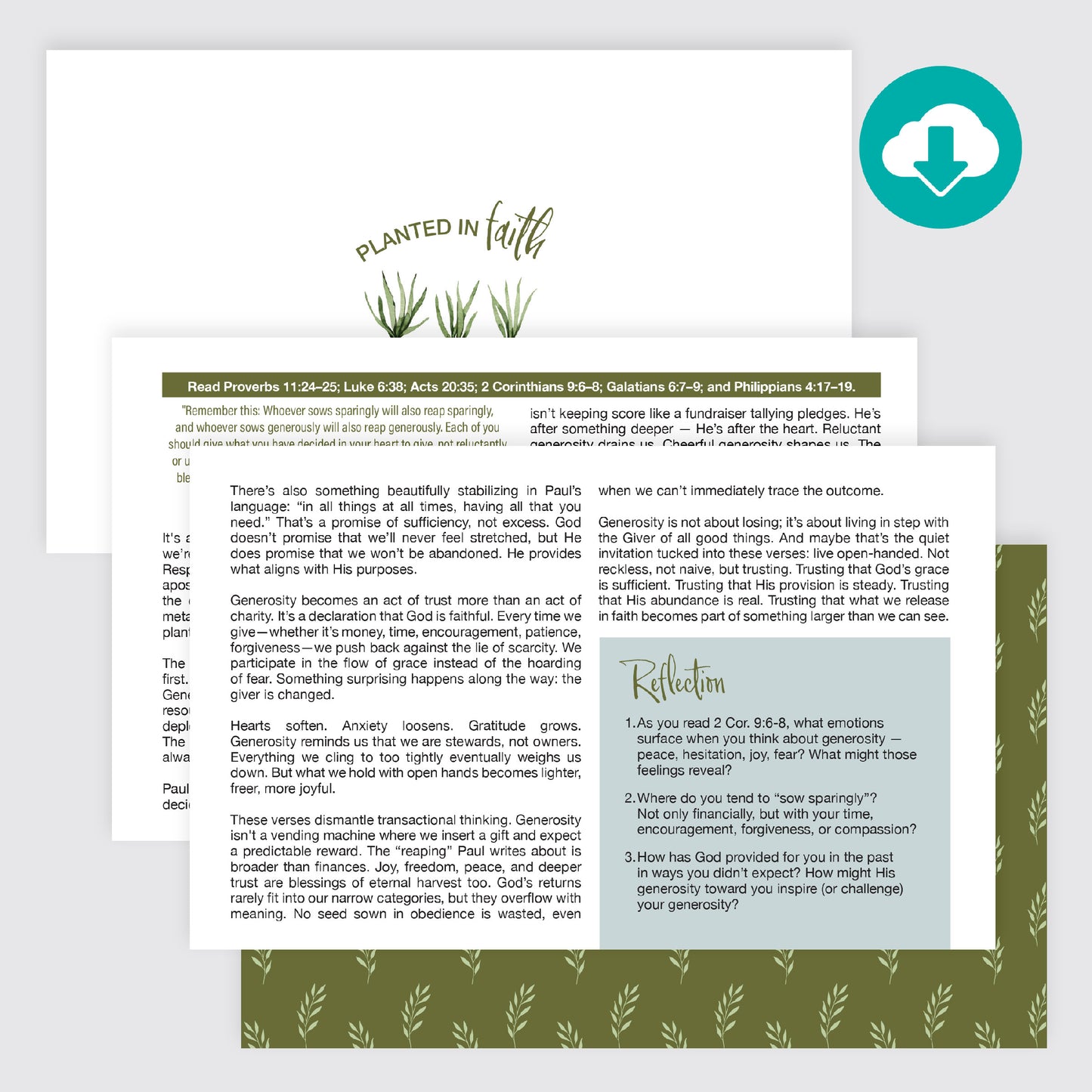
- 1 coordinating devotional, PDF
- 15 square JPEG patterns for backgrounds and shape cropping, 12" x 12" 300 dpi
How to add your stickers in GoodNotes:
- After downloading, unzip your sticker files and make sure they're saved in the Files app on your iPad (not just your camera roll).
- Open GoodNotes to the planner or Bible page where you'd like to add a sticker.
- Tap the Images tool in the toolbar, then "Insert from...". Choose "Files"
- Navigate to the folder in your Files app where your stickers are saved.
- Select the PNG sticker you'd like to add.
- Your stickers are now placed in GoodNotes! Now you can move it and resize as needed.
Tip: For faster importing, open GoodNotes and Files side-by-side using Split View, then drag stickers directly from Files onto your page.
What you'll need:
- An iPad or tablet
- The GoodNotes app (or Notability, Noteshelf, Procreate — any app that supports PNG import)
- A stylus or Apple Pencil (optional, but recommended)
Personal use only. This is a digital download. No physical product will be shipped.