

Creative Retreat Kits
Digital Sticker Pack for GoodNotes | Full Of Wonder
Digital Sticker Pack for GoodNotes | Full Of Wonder
Couldn't load pickup availability
Share
Full of Wonder Digital Sticker Pack — Faith-Inspired Stickers for GoodNotes & Digital Planning
Fill your digital planner or journaling Bible with childlike trust, curiosity, and wholehearted dependence on God. With layered textures, soft watercolor details, dimensional bubbles, hand-drawn marks, and meaningful word art, this kit invites you to document moments of faith, growth, and seeing the world through wonder-filled eyes.
If you're just getting started with digital Bible journaling, see my beginner's guide!
Instant download includes:
- 67 PNG files with transparent background, 300 dpi
- Compatible with GoodNotes, Notability, Noteshelf, Procreate
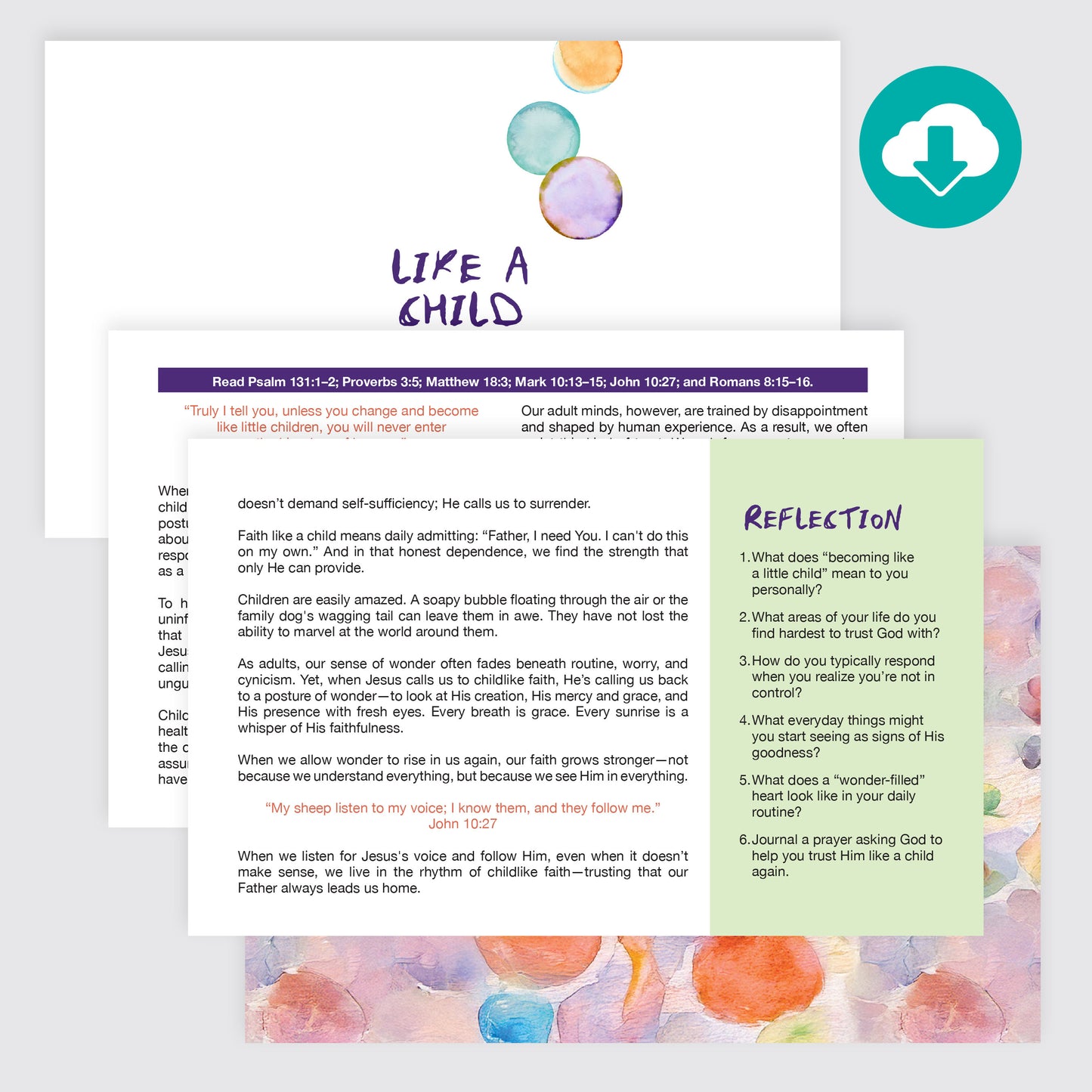
- 1 coordinating devotional, PDF
- 10 square JPEG patterns for backgrounds and shape cropping
How to add your stickers in GoodNotes:
- After downloading, unzip your sticker files and make sure they're saved in the Files app on your iPad (not just your camera roll).
- Open GoodNotes to the planner or Bible page where you'd like to add a sticker.
- Tap the Images tool in the toolbar, then "Insert from...". Choose "Files"
- Navigate to the folder in your Files app where your stickers are saved.
- Select the PNG sticker you'd like to add.
- Your stickers are now placed in GoodNotes! Now you can move it and resize as needed.
Tip: For faster importing, open GoodNotes and Files side-by-side using Split View, then drag stickers directly from Files onto your page.
What you'll need:
- An iPad or tablet
- The GoodNotes app (or Notability, Noteshelf, Procreate — any app that supports PNG import)
- A stylus or Apple Pencil (optional, but recommended)
Personal use only. This is a digital download. No physical product will be shipped.