

Creative Retreat Kits
Digital Sticker Pack for GoodNotes | Draw Near
Digital Sticker Pack for GoodNotes | Draw Near
Couldn't load pickup availability
Share
Draw Near Digital Sticker Pack — Faith-Inspired Stickers for GoodNotes & Digital Planning
Fill your digital planner or journaling Bible with reminders that God is near. The Draw Near sticker set includes hand-illustrated florals, word art, and badge-style stickers inspired by themes of comfort, faith, and presence — perfect for prayer journals, devotional notes, GoodNotes planners, and digital Bible journaling spreads.
The LORD is near to all who call on Him, to all who call on Him in truth." — Psalm 145:18
What a comfort it is to know that God isn't far off—that He hears us when we call, and that He draws close when we come to Him honestly. This kit was made for that truth.
If you're just getting started with digital Bible journaling, see my beginner's guide!
Instant download includes:
- 59 PNG files with transparent background, 300 dpi
- Alternative PNG files with built-in shadows
- Compatible with GoodNotes, Notability, Noteshelf, Procreate
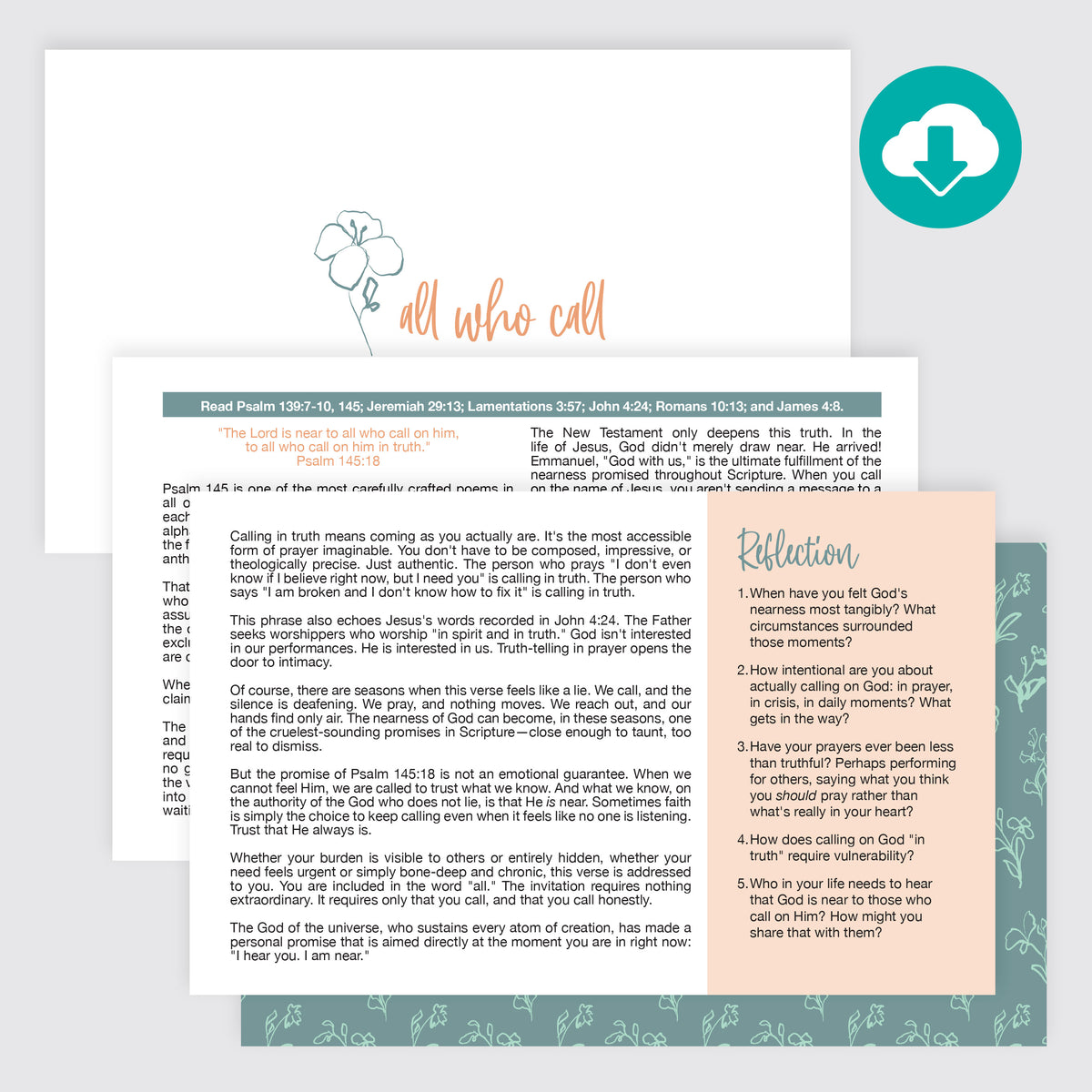
- 1 coordinating devotional, PDF
- 12 square JPEG patterns for backgrounds and shape cropping
How to add your stickers in GoodNotes:
- After downloading, unzip your sticker files and make sure they're saved in the Files app on your iPad (not just your camera roll).
- Open GoodNotes to the planner or Bible page where you'd like to add a sticker.
- Tap the Images tool in the toolbar, then "Insert from...". Choose "Files"
- Navigate to the folder in your Files app where your stickers are saved.
- Select the PNG sticker you'd like to add.
- Your stickers are now placed in GoodNotes! Now you can move it and resize as needed.
Tip: For faster importing, open GoodNotes and Files side-by-side using Split View, then drag stickers directly from Files onto your page.
What you'll need:
- An iPad or tablet
- The GoodNotes app (or Notability, Noteshelf, Procreate — any app that supports PNG import)
- A stylus or Apple Pencil (optional, but recommended)
Personal use only. This is a digital download. No physical product will be shipped.